

How to Use the Intelligent APN Switching Function
The intelligent APN switching function enables your radio to automatically identify the correct APN via SIM card ICCID, no manual configuration needed. Follow these steps:
1. Put the radio into programming mode
2. Connect the radio to the computer using a programming cable
3. Open the programming software
4. select the corresponding port
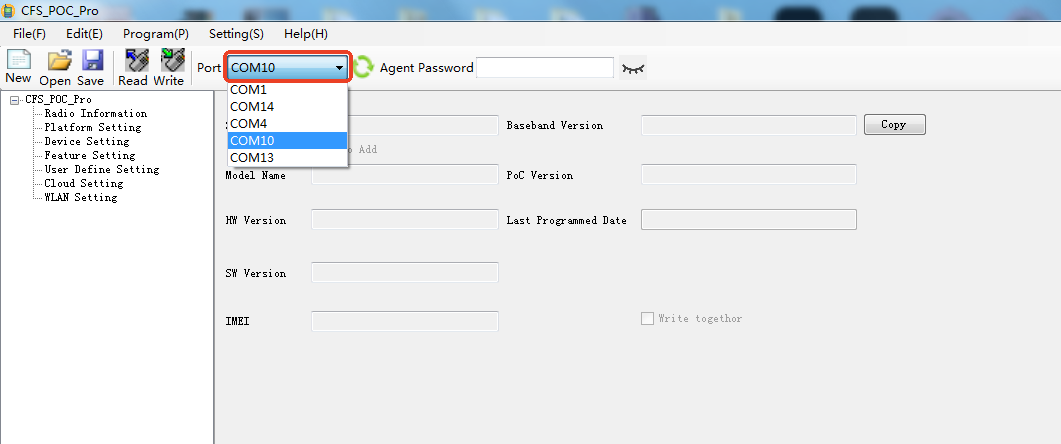
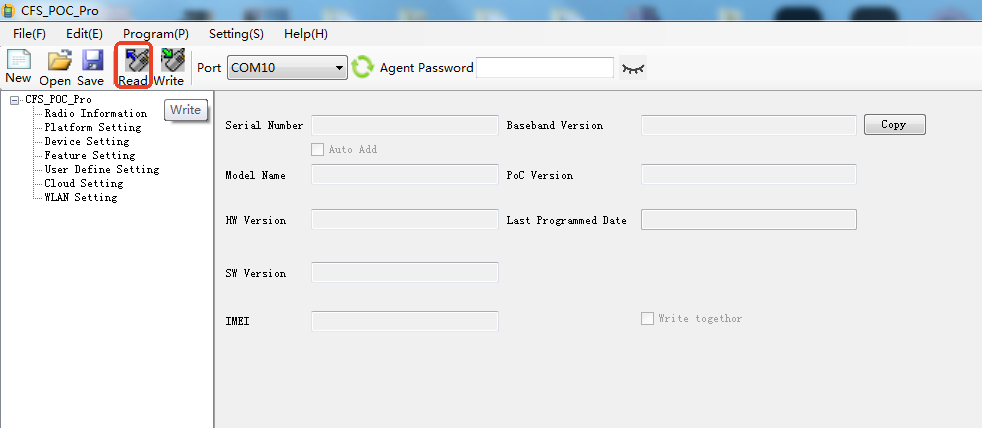
5.Click Read to read data from your radio.
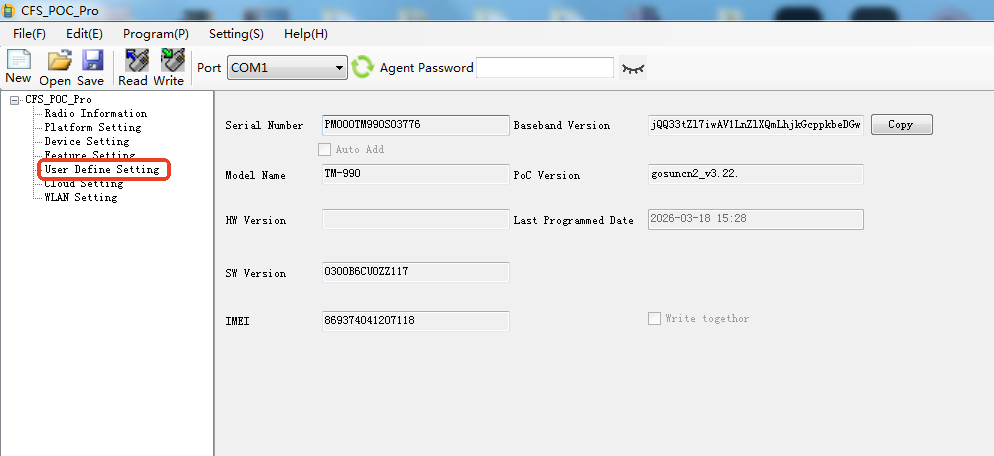
6. Go to User Define Setting
7. User Define 5-8 is used to preset the APN
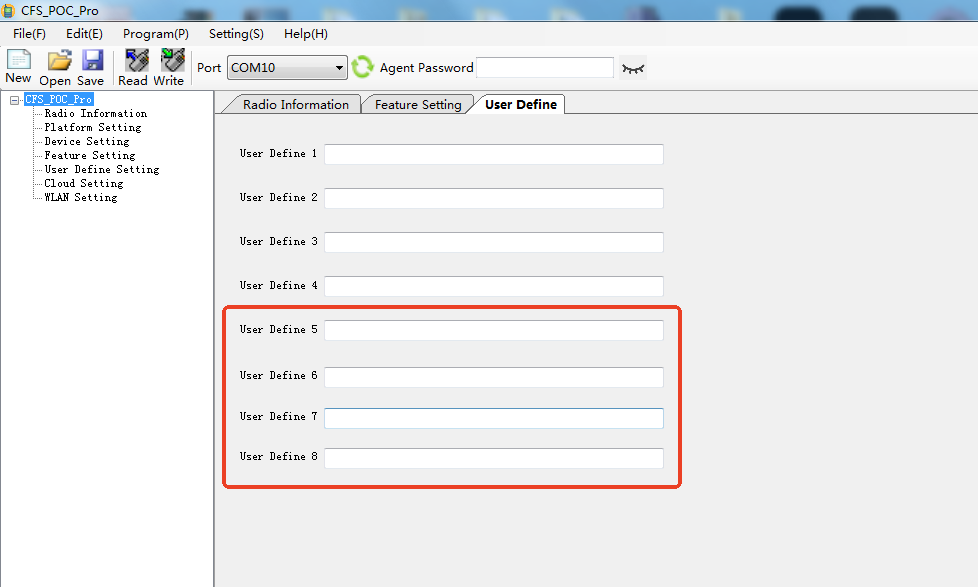
Format: ICCID 3rd and 4th digits, ICCID 5th and 6th digits=APN
(ICCID 3rd and 4th digits are the country code, ICCID 5th and 6th digits are the operator code.)
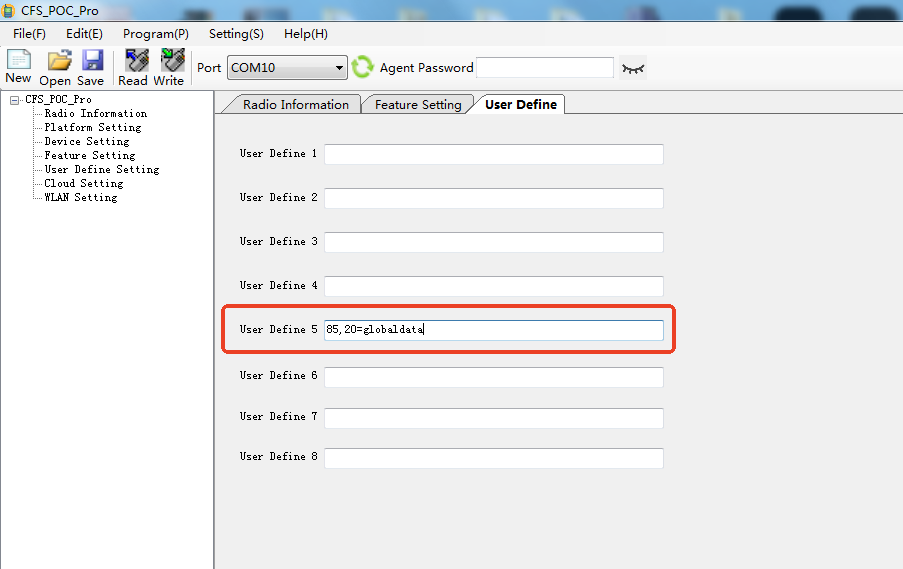
If an operator has multiple operator codes, all operator codes can be entered, separated by commas.
For example: China Telecom 898603, 898611
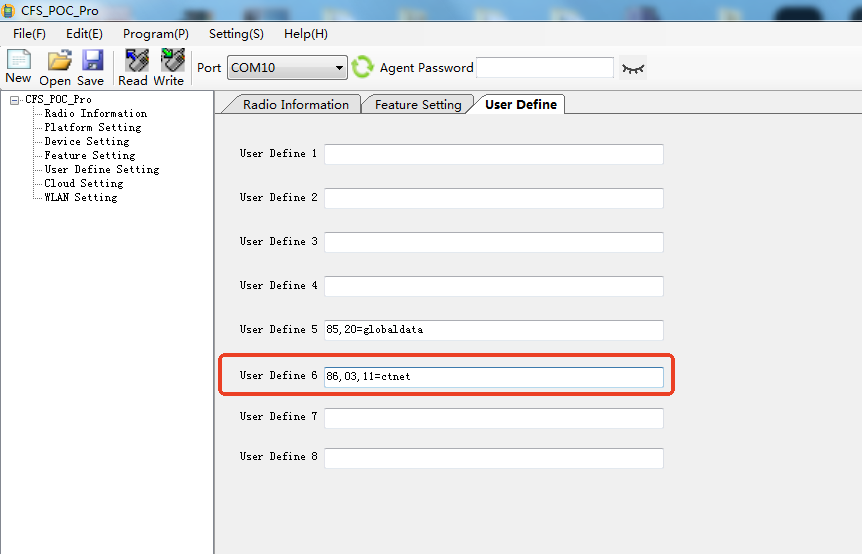
8. Click Write to write data to your radio
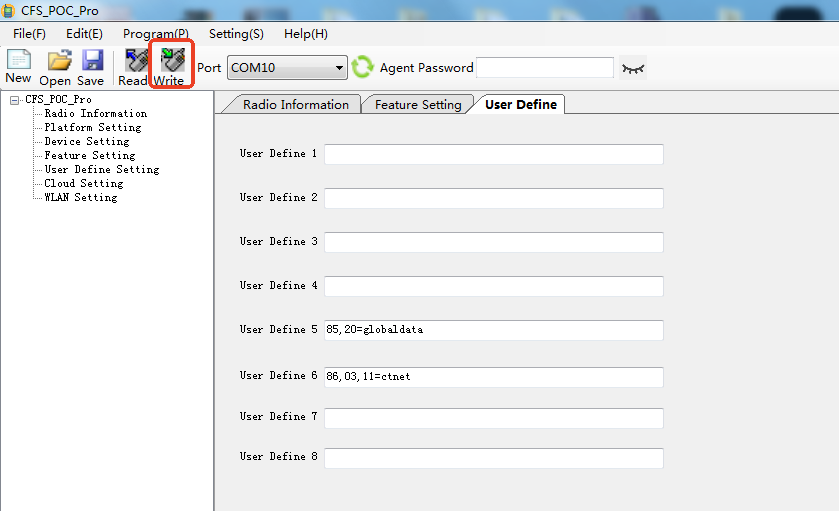
9. After programming, the radio will automatically identify the APN and log in successfully.