
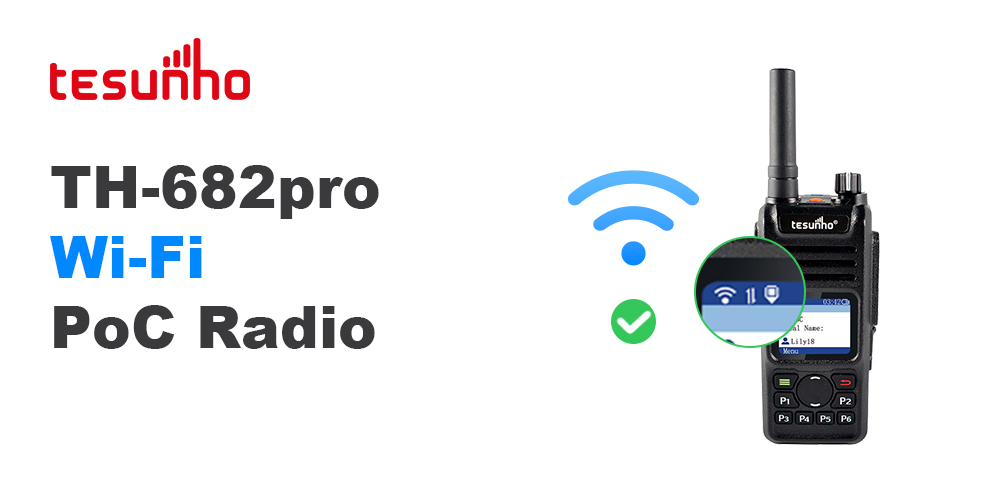
How to Connect Wi-Fi on TH-682pro
There are two methods for Wi-Fi configuration: via the REAL-PTT dispatch platform and via programming software.
Method 1: Via REAL-PTT Dispatcher
First. Store Wi-Fi SSID and password
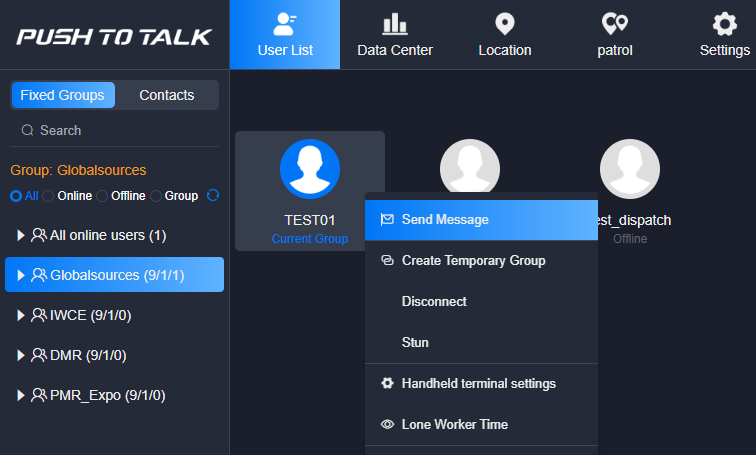
Log in to REAL-PTT Dispatcher

Choose the user to send message
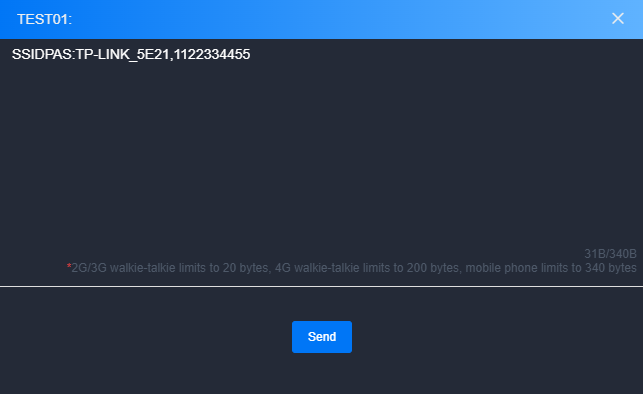
Fill in the SSID and password, then click Send
Wi-Fi Account Sending Format:SSIDPAS:Wi-FiAccount,Wi-FiPassword
Second. Connect to Wi-Fi
Press the Menu key to enter menu
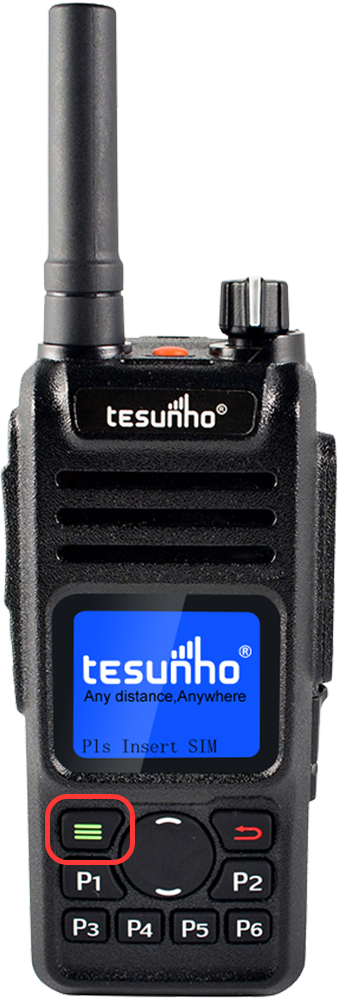
Press the Up/Down key to select WLAN Settings, then press the Menu key to enter.
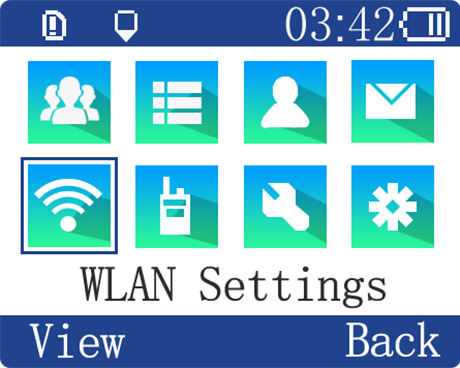
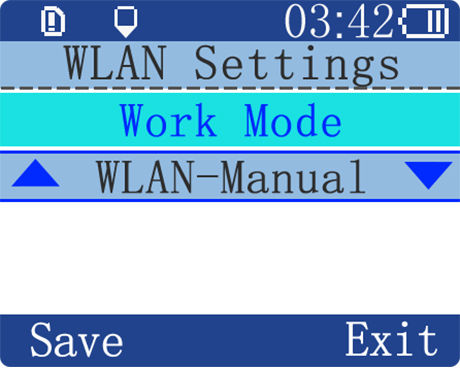
Enter into Work Mode, choose WLAN-Manual or WLAN-Auto, press the Menu key to save
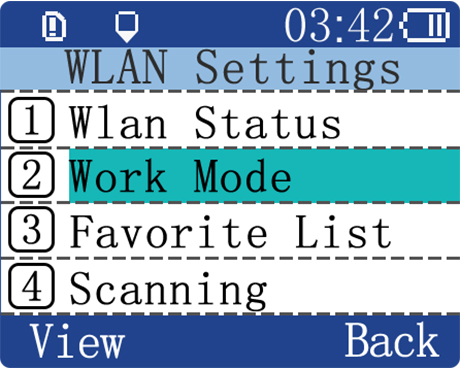
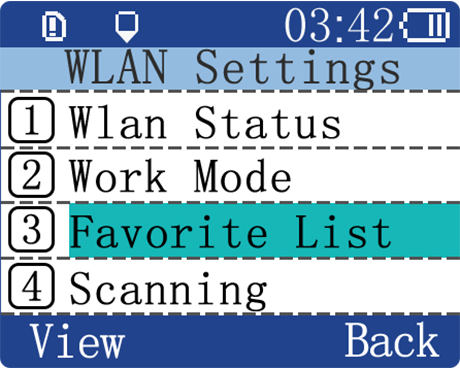
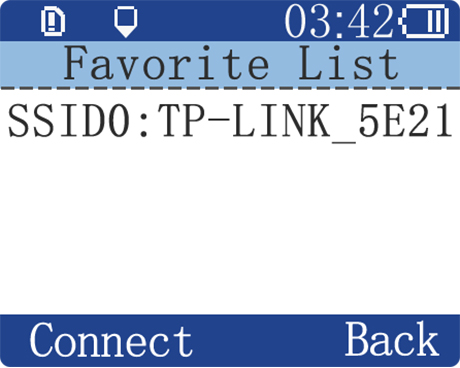
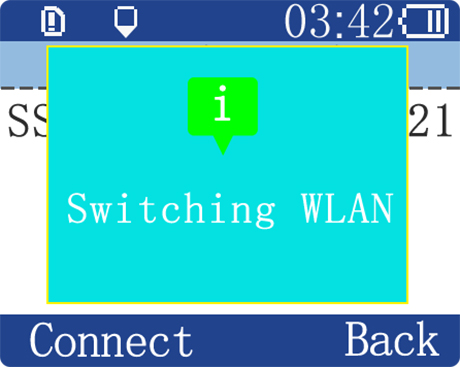
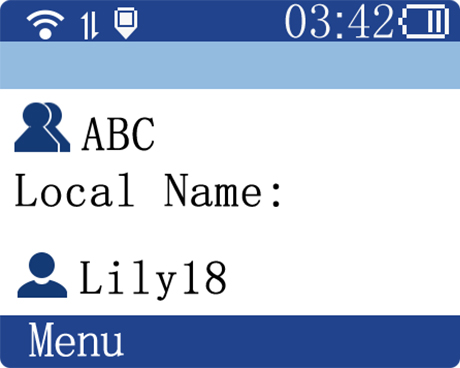
Enter into Favorite List, press the Up/Down key to choose the WLAN, press the Menu key to connect
Method 2: Via Programming Software
First. Store Wi-Fi SSID and password
Connect the radio to the computer using a programming cable
Put the radio into programming mode
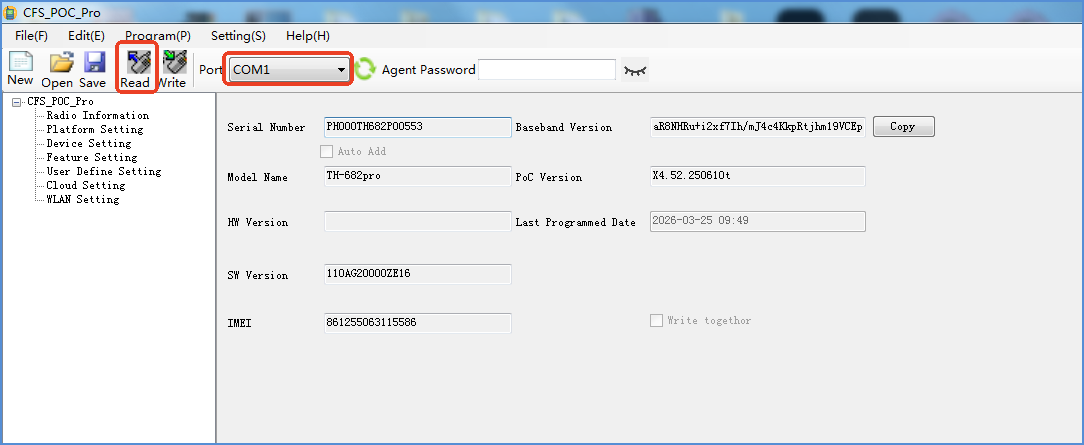
Open the programming software
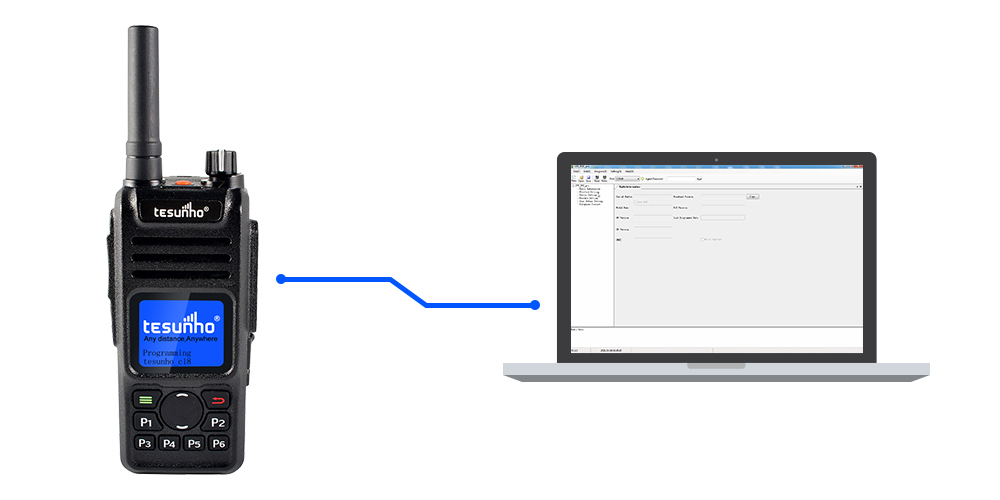
Select corresponding port and read your radio
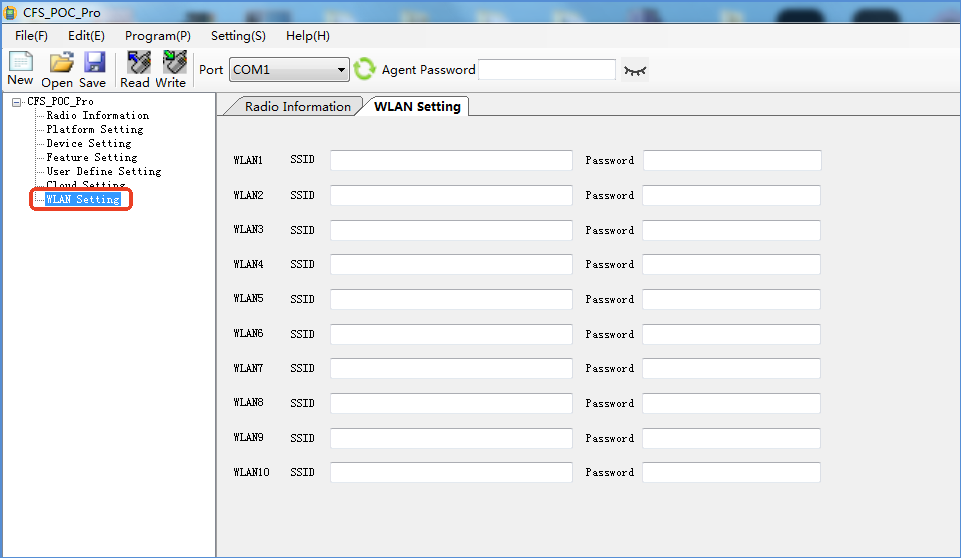
Click WLAN Setting
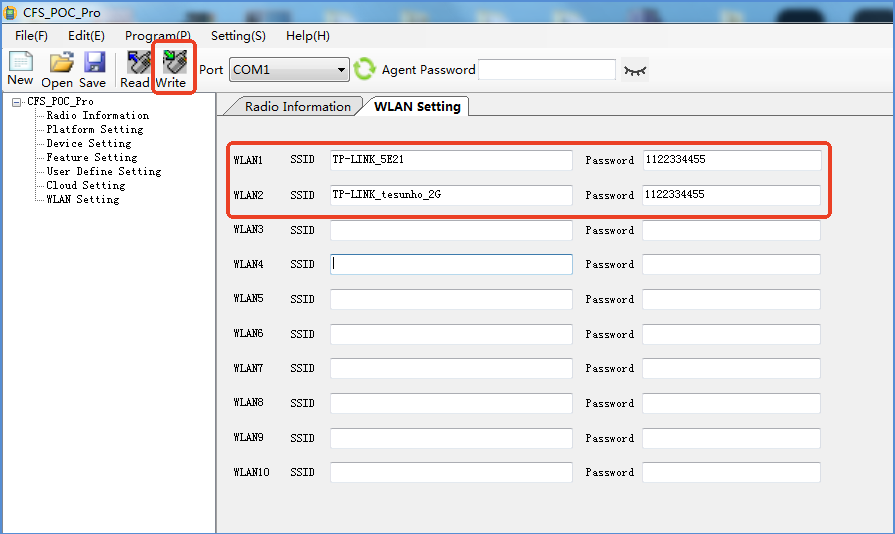
Fill in the SSID and password, then click Write
Second. Connect to Wi-Fi
The same as method 2